
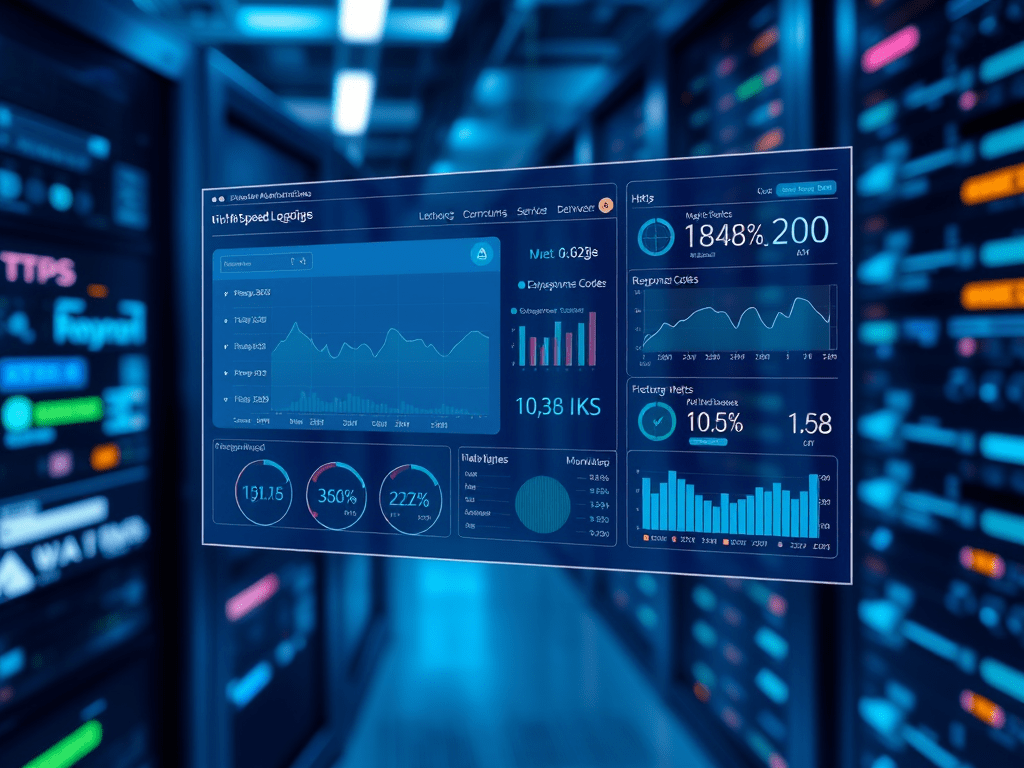
Traditional monitoring based on CPU usage, load, memory consumption, etc., remains a key component from an infrastructure health perspective. However, it doesn’t fully reveal whether customer requests are being successfully fulfilled. This is where HTTP response codes and processing times become critical metrics for monitoring.
In short, a system can appear healthy, but customers might have a different experience. If end-users have a poor-performing experience (e.g., when making purchases on a store), they are likely to abandon the process, which can negatively impact revenue.
To achieve a more holistic and business-supporting level of monitoring, the classic set of metrics can be augmented with a functionality called HSL, or High-Speed Logging.
What is HSL – High-Speed Logging?
While a search for “HSL” or “High-Speed Logging” often suggests infrastructure and security monitoring, traffic monitoring at a network’s edge or gateway level transforms infrastructure monitoring into SLA (Service Level Agreement) and business-type monitoring. These metrics can be used to feed Business Intelligence (BI) solutions for further data analytics.
The gateway’s log syntax varies by vendor (e.g., F5, Cisco) and system. However, the AWS ELB log syntax, for example, can be found in the AWS documentation: ELB Log Example Log Entry. It resembles a web server’s log file with extended information.
HSL focuses on the time and performance within a given network. It typically doesn’t account for the time it takes to deliver a response back to a requestor once it leaves the internal network. However, High-Speed Logging does capture how long an instance takes to process a request. It also doesn’t track whether a request is successfully rendered on a customer’s device. This is where projects like Boomerang come in, a JavaScript library that supports page load times, user experience, and Real User Measurement (RUM).
In short, what questions can HSL answer?
- What was requested? (URL, etc.)
- How was it answered? (HTTP status response code)
- Where did the request originate? (IP address)
- How long did the processing take within the network?
As mentioned earlier, HSL, in this context, does not track the time it takes to deliver a response over the Internet to a customer’s device, as all measurements are taken within a given network’s boundaries.
SLA – Service Level Agreements
While HSL-generated metrics are technical and infrastructure-level, they can be used to align with contract language around uptime, unavailability, and performance. HSL supports SLA reporting.
Questions that can be answered from SLA and SLO (Service Level Objective) perspectives:
- How often did a vendor fail to fulfill a request?
- How long did it take to fulfill specific types of requests?
- What is the continuous duration of system unavailability?
- What is the correlation between certain events and requests/endpoints?
- How is a given endpoint performing?
- How does a code release or change affect a given endpoint?
Uptime and unavailability can be precisely defined based on HTTP status code classifications. At a high level (and leaving out some details), any status code is recorded (both user and server-side), but only server-side status codes (above 500) are used in uptime and unavailability calculations.tus code is identified (so a status above 500) it then will be reflected into Uptime and Unavailability calculations.
Data Collection and Processing
The answer to this question always “depends” on the volume of data being processed. In general, the CIA triad (Confidentiality, Integrity, Availability) should be considered as a best practice for data handling.
A significant challenge is the volume of data that must be processed and stored. The function responsible for this must be highly scalable, robust, and self-healing to avoid tight dependencies. A design and solution for this is discussed in the “Processing of High-Speed Logs” article, which favors loosely coupled components to ensure that each part is changeable and scalable at each level.
Typically, a near-real-time function is added to make the data searchable immediately after processing. The ELK stack can keep pace with this and will be discussed elsewhere in this blog.
 Cloud Architecture, Solutions and Designs
Leave a comment